For Airbnb, VRBO and cottage hosts
A warm welcome your guests can scan.
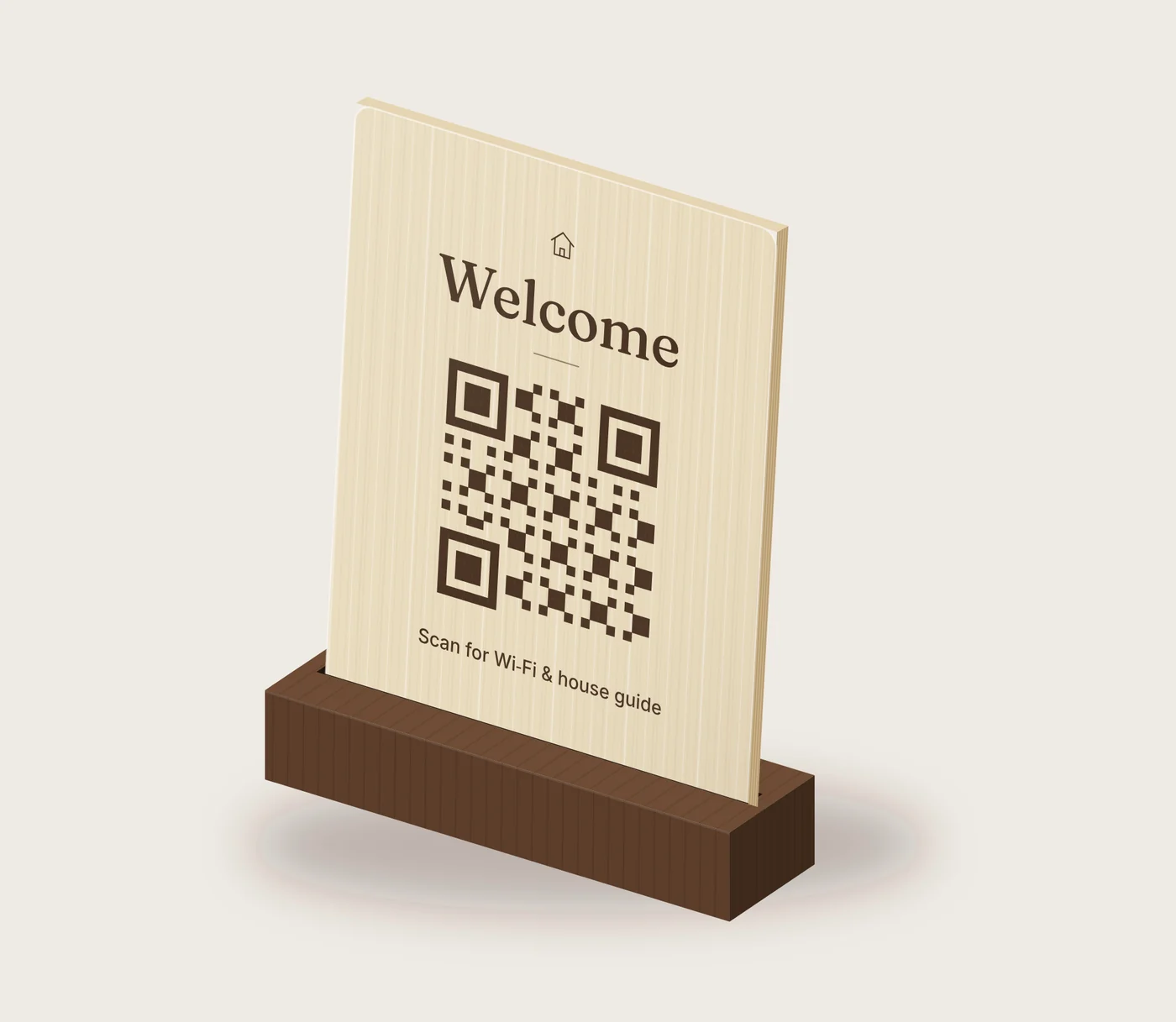
A solid maple and walnut sign for your counter. Guests scan it for your Wi-Fi, check-in times and house notes. Change anything from your phone, anytime. No subscription.
How it works
Activate it
Scan your sign and enter the code from the sealed card in the box. It takes about two minutes.
Fill in your guest card
Add your Wi-Fi, check-in and checkout times, how to reach you, house notes and a few photos.
Guests scan with their camera
No app to download. When something changes, update it from your phone and the sign stays the same.
What your guests see
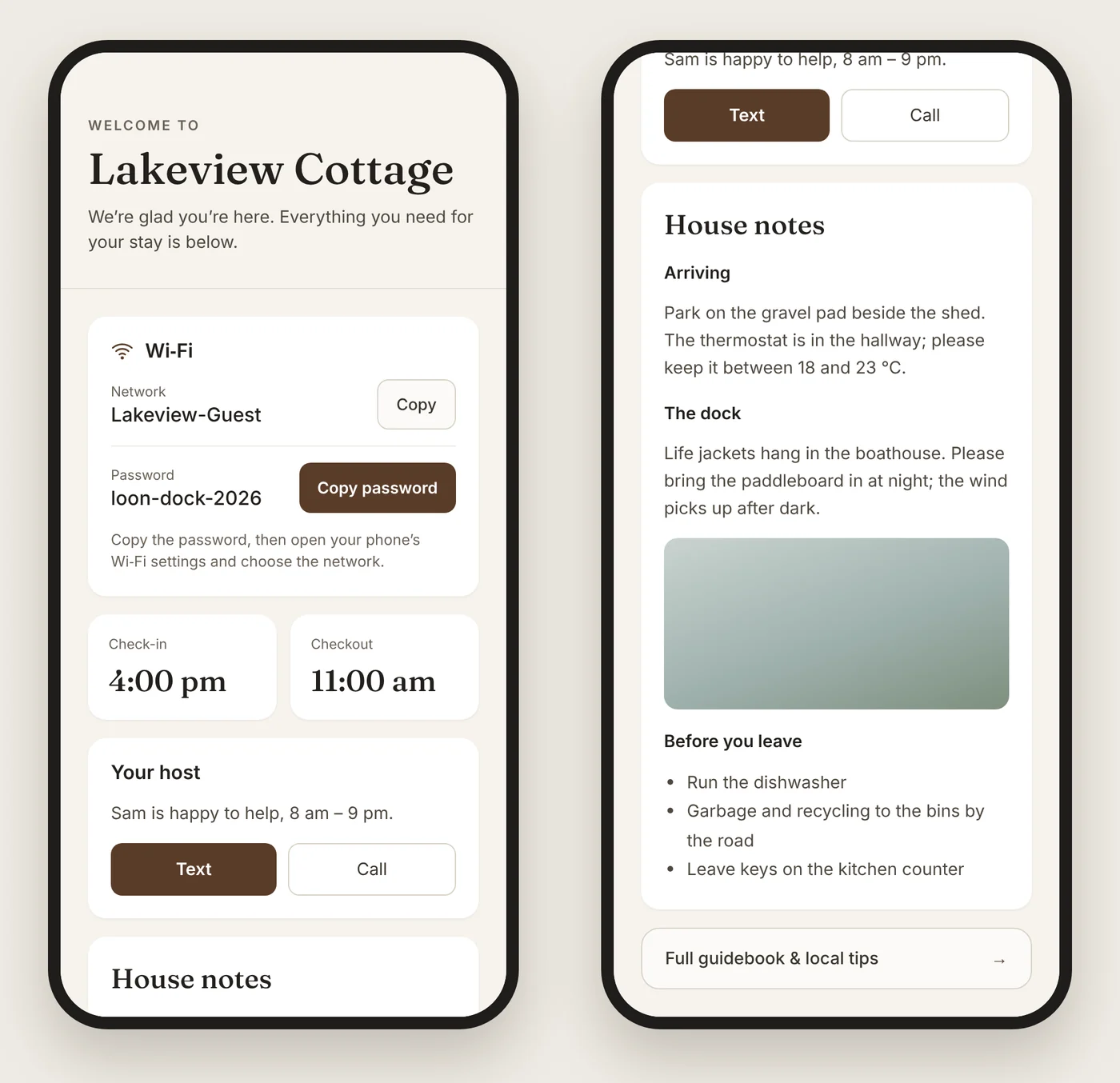
One clean page, made for a phone and a tired traveller who just walked in the door.
- Wi-Fi name and password, with copy buttons
- Check-in and checkout times
- Text or call you in one tap
- House notes and up to four photos
- A link to your full guidebook, if you already have one
Made to sit out on display
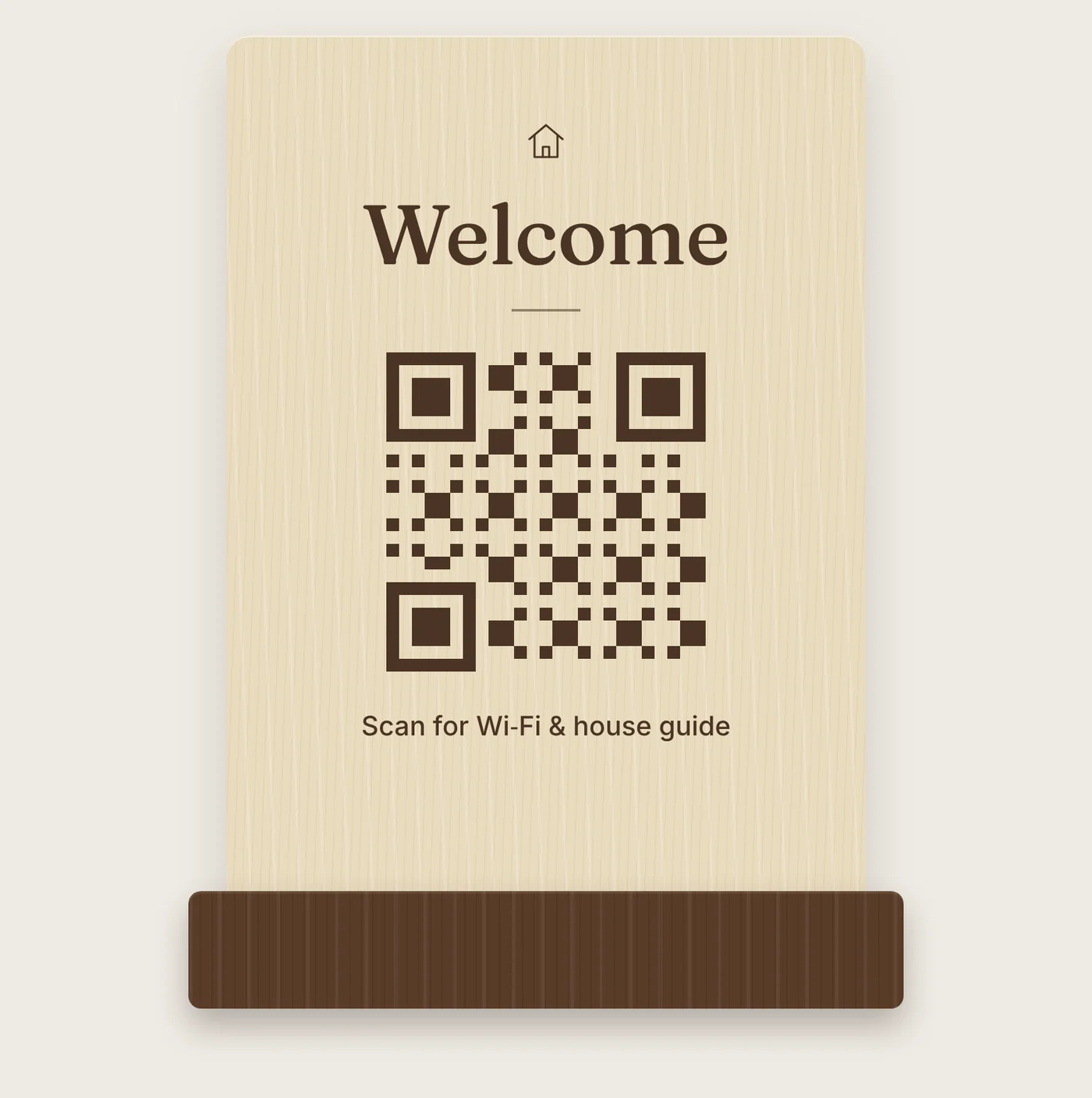
A 5 × 7 inch maple face, laser engraved, standing in a solid walnut base. Every sign has its own code, so it's yours alone once you activate it.
- Face
- Maple, 5 × 7 in
- Base
- Solid walnut
- Engraving
- Laser engraved in Ontario
- Setup
- About 2 minutes
Buy it once. Change it anytime.
Most editable QR codes stop working when you stop paying a monthly fee. Welcome Block doesn't.
| Feature | Welcome Block | Printed sign | Subscription QR code |
|---|---|---|---|
| Update details without reprinting | ✓ | — | ✓ |
| No monthly fee | ✓ | ✓ | — |
| Keeps working if you stop paying | ✓ | ✓ | — |
| Looks like décor, not a flyer | ✓ | — | — |
Questions
Does scanning connect guests to Wi-Fi automatically?
No. Guests see your network name and password with copy buttons, then join in their phone's Wi-Fi settings. That's what lets you change the password without changing the sign.
Do guests need an app?
No. Any phone camera opens the guest page in the browser.
Is there a monthly fee?
No. Your guest card, edits and photos are included for the life of the sign.
What happens if I sell the property or the sign?
Release the sign from your account. You'll get a new transfer code to give the next owner, and your details are removed.
Who can see my guest page?
Anyone who scans the sign, including past guests. Share what you'd put on a printed welcome card, and keep door and lockbox codes off it.
Can I manage more than one property?
Yes. Each sign has its own page, and you can manage them all from one account.
What if Welcome Block ever shuts down?
We'd give owners at least 12 months' notice and a way to export their guest page.
Already have a sign? Set it up here.